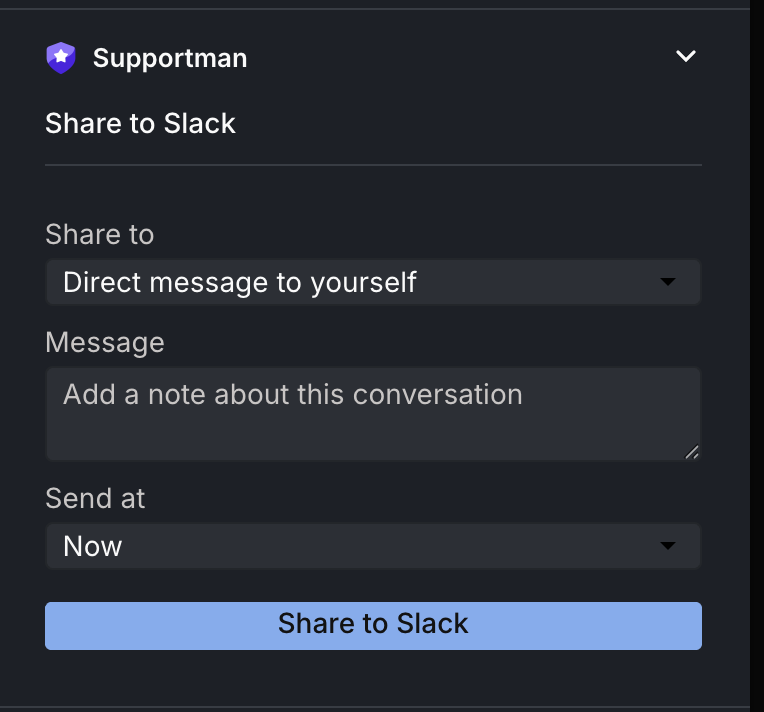
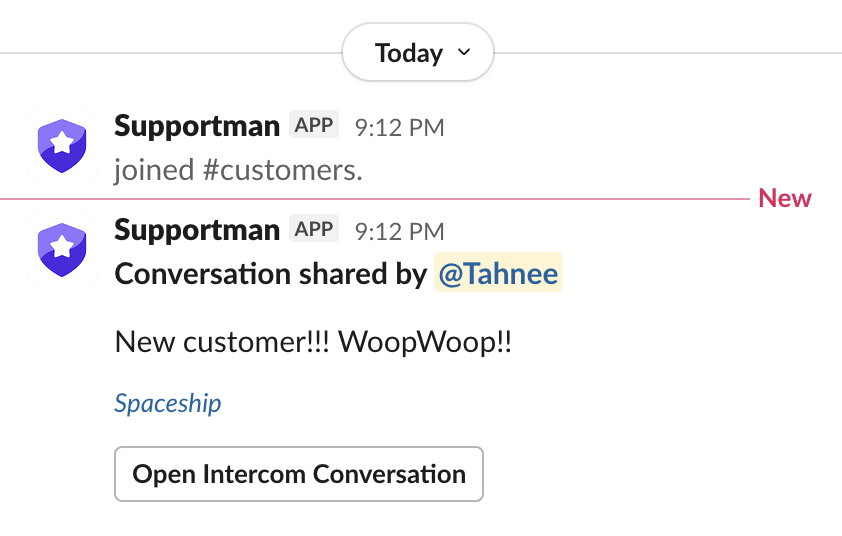
The Intercom Inbox App has been rebuilt from scratch. Share any conversation to a Slack channel for the team, or DM it to yourself for follow-up, without copying links or switching tools.
What you can do
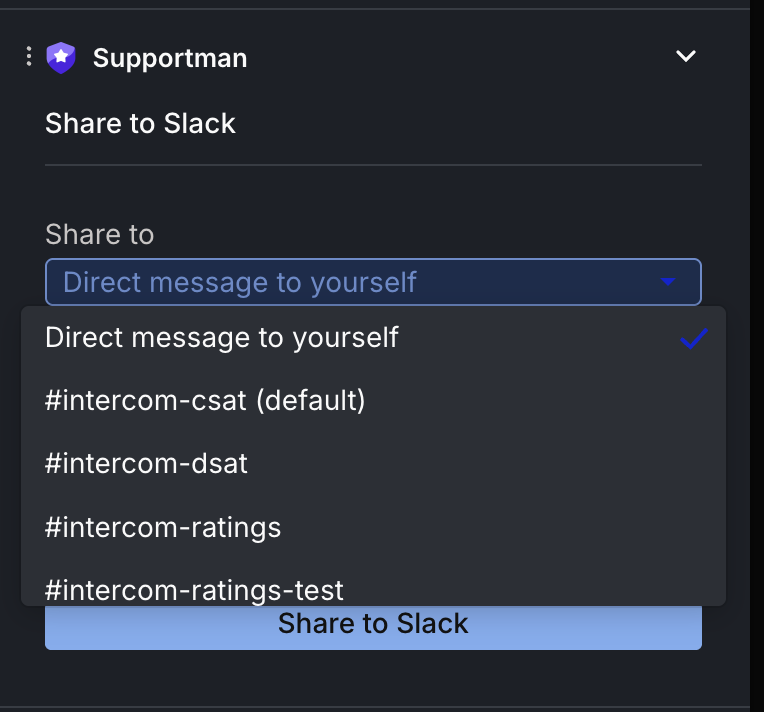
- Send a conversation to any Slack channel your team uses.
- DM a conversation to yourself for later.
- Schedule a share for a specific time.
- Pick channels from a rebuilt channel picker inside the inbox sidebar.
Why we rebuilt it
Every support team has the same version of this problem: a conversation the lead needs to see, something you pick up at 4 PM that waits until morning, or a pattern emerging across threads. The new inbox app makes sharing those conversations one step from Intercom.