Supportman has always lived in Slack: ratings as they land, a weekly report on Friday. The Dashboard is for the moments when a Slack message isn't enough and you want to see the whole queue, or the whole week.
It runs on the ratings, conversations and AI scores Supportman already syncs from Intercom, so there is nothing new to connect. Sign in at app.supportman.io with the email you use in Intercom.
Today
One number first: how many customers are waiting on you. Under it, the conversations behind that number, in four groups:
- Rated badly: the customer already told you.
- Fin handed off: Fin passed the conversation to a person.
- No first reply yet: at least 24 hours old with no first reply.
- Never rated, reads unhappy: the customer didn't rate, but the AI evaluation predicts a rating of 2 or lower.
Each group is oldest first, so the queue drains from the top. Pick a window of 1, 3, 7 or 30 days.
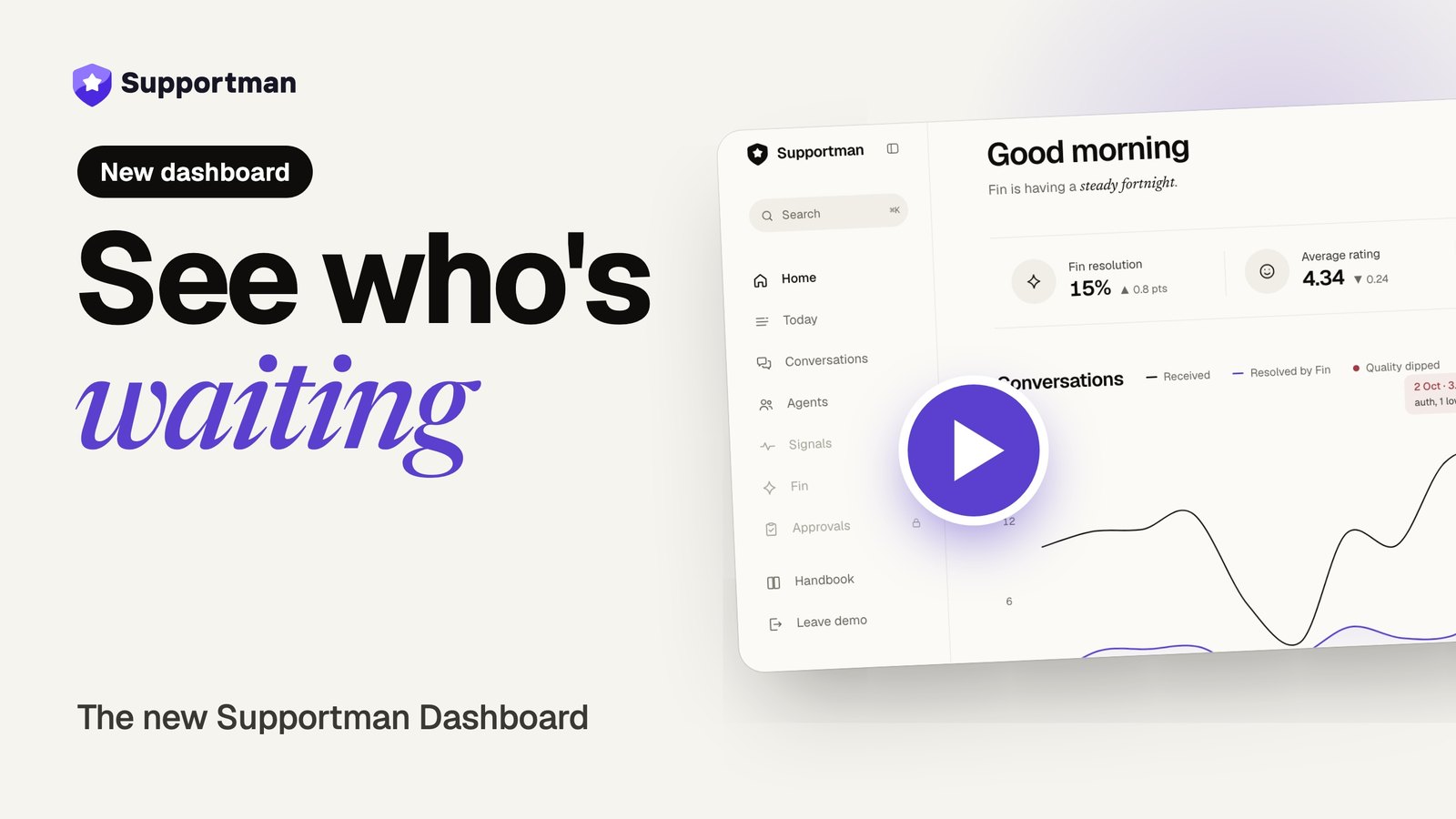
Home
- Three stats: Fin resolution, average rating and first reply time. Teams without Fin see the last two.
- A daily conversations chart. Days where quality dipped carry a red marker, with a note on the one you hover.
- A 3, 7, 14 or 30 day window that drives the whole page.
Conversations
- Filter by rating, by whether the customer left a remark, and by AI score.
- Search remarks, or paste a
#id. - Each row puts the customer's rating next to the AI quality score, with a link back to the conversation in Intercom.
Agents
- A ranking of agents from best to worst over 7, 14 or 30 days.
- A roster of every active seat with conversation volume and good and bad rating counts.
Around the edges
- The Handbook is built in, with step-by-step guides.
- On a phone, the main pages move to a tab bar, with everything else under More.
- Press ⌘K (Ctrl+K on Windows and Linux) from any page to jump somewhere.
Coming next
Three more pages are already in the sidebar, locked. They are opt-in while we roll them out: ask from the lock screen and we'll turn them on for your team.
- Fin: how much Fin handles, and how it rates against your human-only conversations.
- Signals: which topics are spiking and where volume is concentrated.
- Approvals: refunds, credits and exceptions raised from Intercom, with who decided and when.
Conversation notes are in beta. Managers can leave notes on conversations and agent profiles once we've enabled them for your workspace.
Try it first
The demo at app.supportman.io/demo is public and runs on sample data. No account, nothing to connect.