Skip to content
Supportman
Changelog
— New —Beta

Approvals Workflow

Agents request approvals from the Intercom inbox. Managers approve or reject in Slack with a reason. The decision stays on the record.

Support agents make judgment calls all day — refunds outside policy, credits for service failures, exceptions for key accounts. Approvals gives those decisions a proper workflow instead of a shoulder-tap in Slack.

How it works

  • Agents request approval from the Intercom inbox without leaving the conversation.
  • Managers receive the request in Slack with full context.
  • Approve or reject with a reason — the decision is recorded on the conversation.
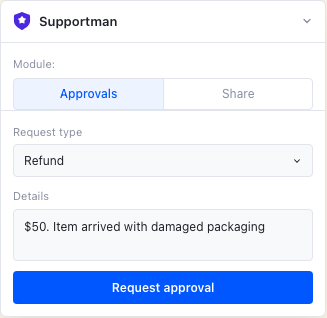
Supportman Approvals panel in the Intercom inbox with request type and details fields
Request an approval from the Approvals tab in the Intercom inbox.
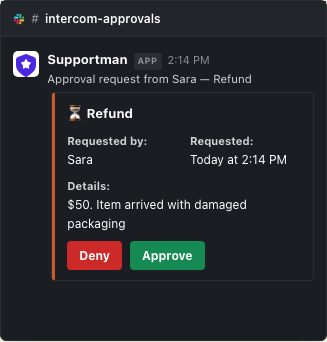
Pending approval request in Slack with Approve and Deny buttons
Managers approve or deny in #intercom-approvals with a required comment.
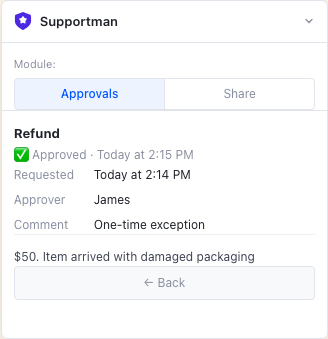
Approved refund request shown in the Supportman Approvals panel in Intercom
The decision flows back to the agent in Intercom.

Beta access

Approvals is free during the limited release. Email [email protected] to enable it for your workspace.